
We use supplier price lists to select which items/products should be transferred to Handyman. When new items enter the system, they must be added to one or more supplier price lists.
Add a New Item Manually or Import from an External Source into Items in Uniconta
There are several ways to add items in Uniconta. They can be added manually or by importing, for example, from an Excel spreadsheet.
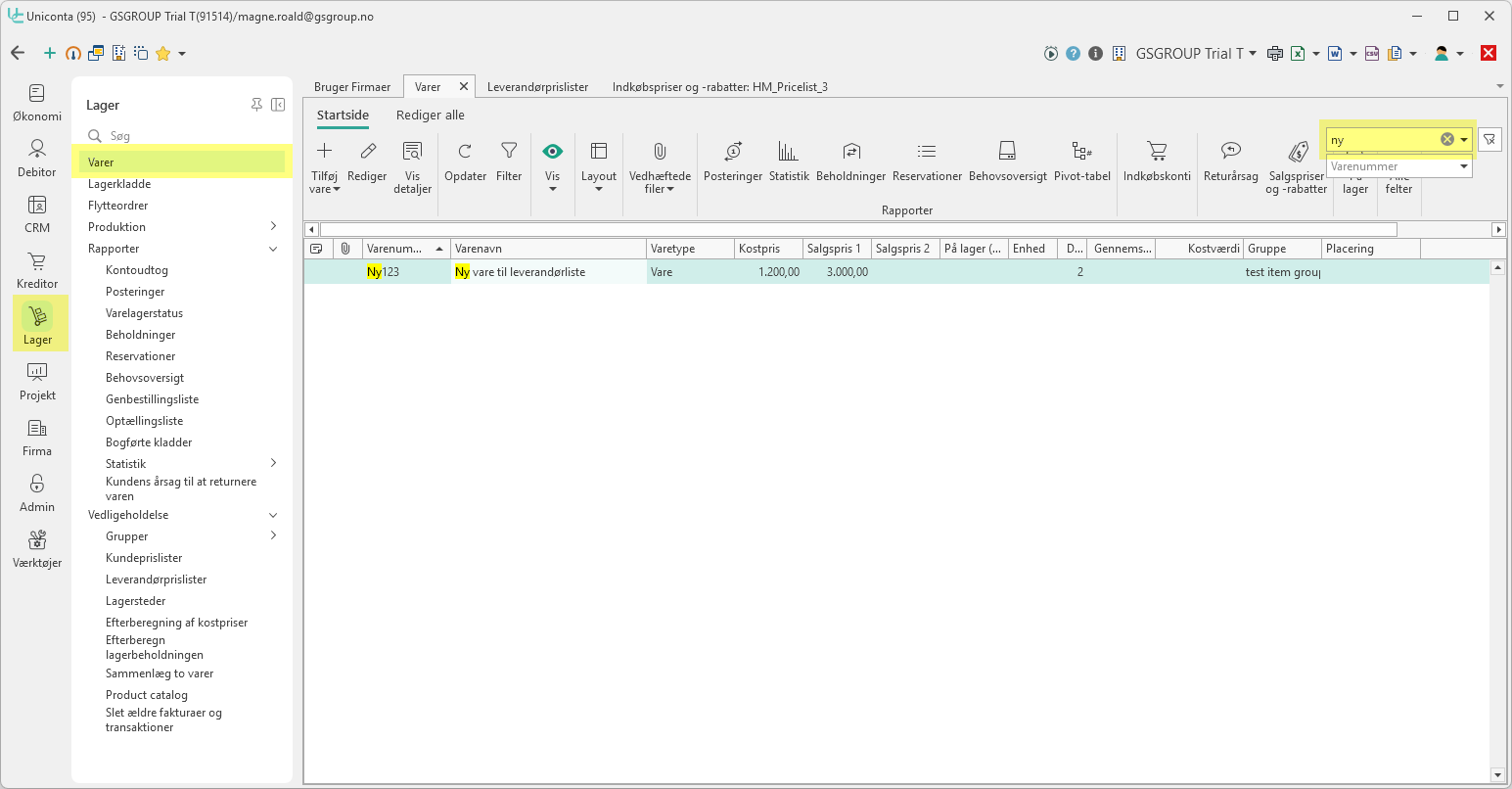
Filter the New Items
Use the different filter methods to find the new item if it does not already appear in the list,
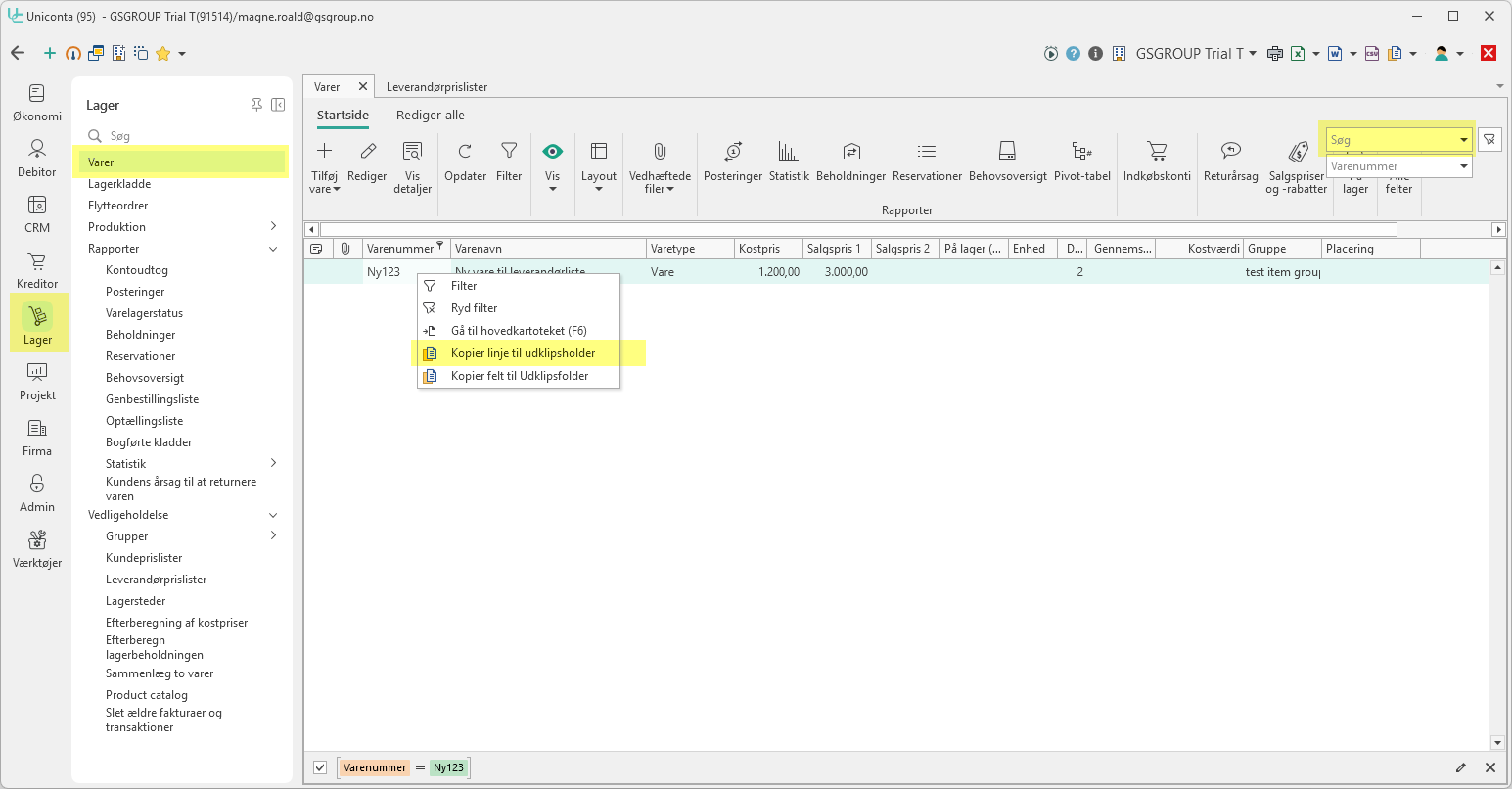
Right-click on the item and select "Copy line ..." from the menu
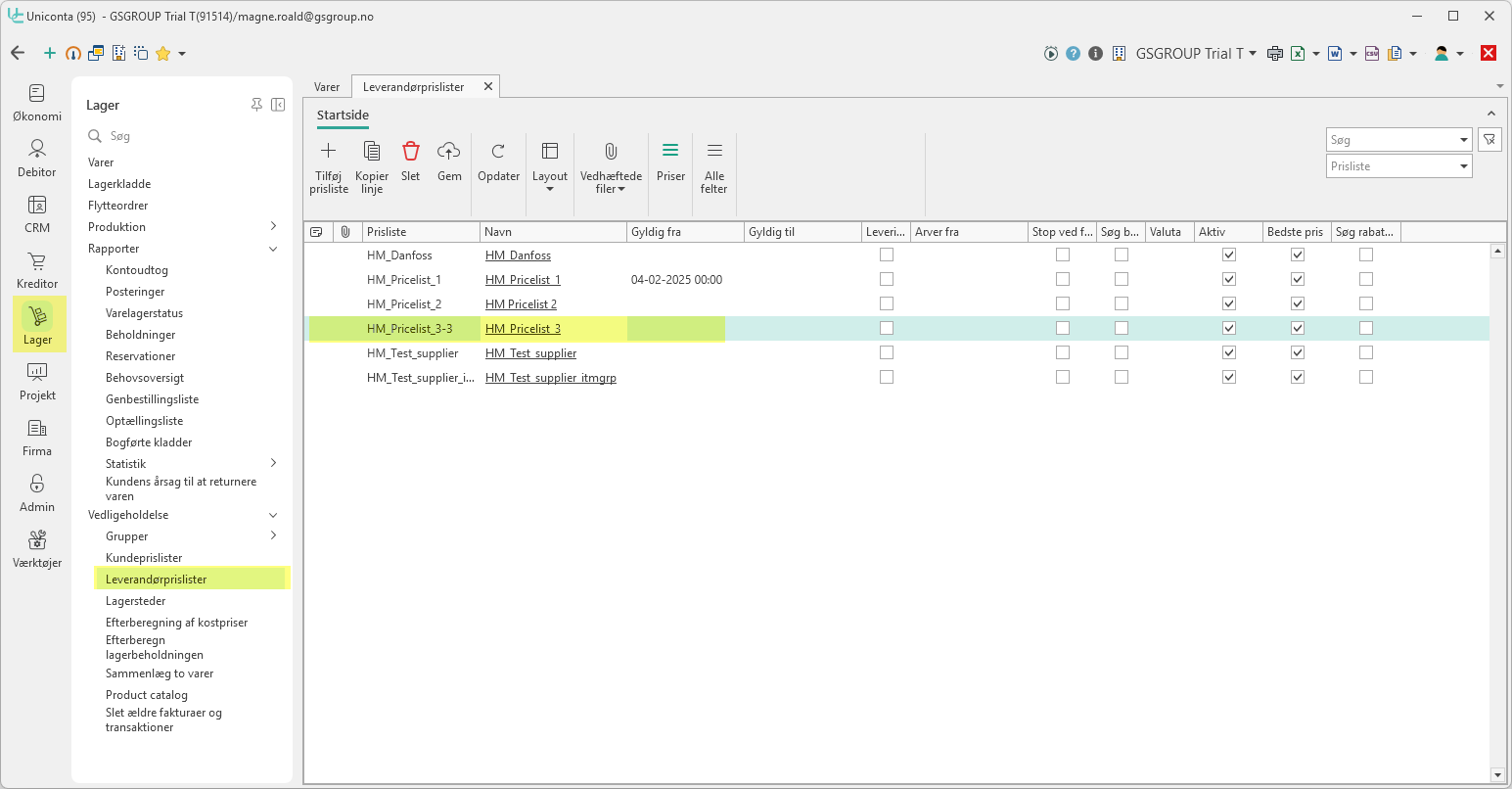
Activate the Supplier Price List
Find the relevant supplier price list you want to add the item to, and click on the name to display the items included in the list.
Paste the Items
Press Ctrl+V on the keyboard to insert the item into the supplier price list
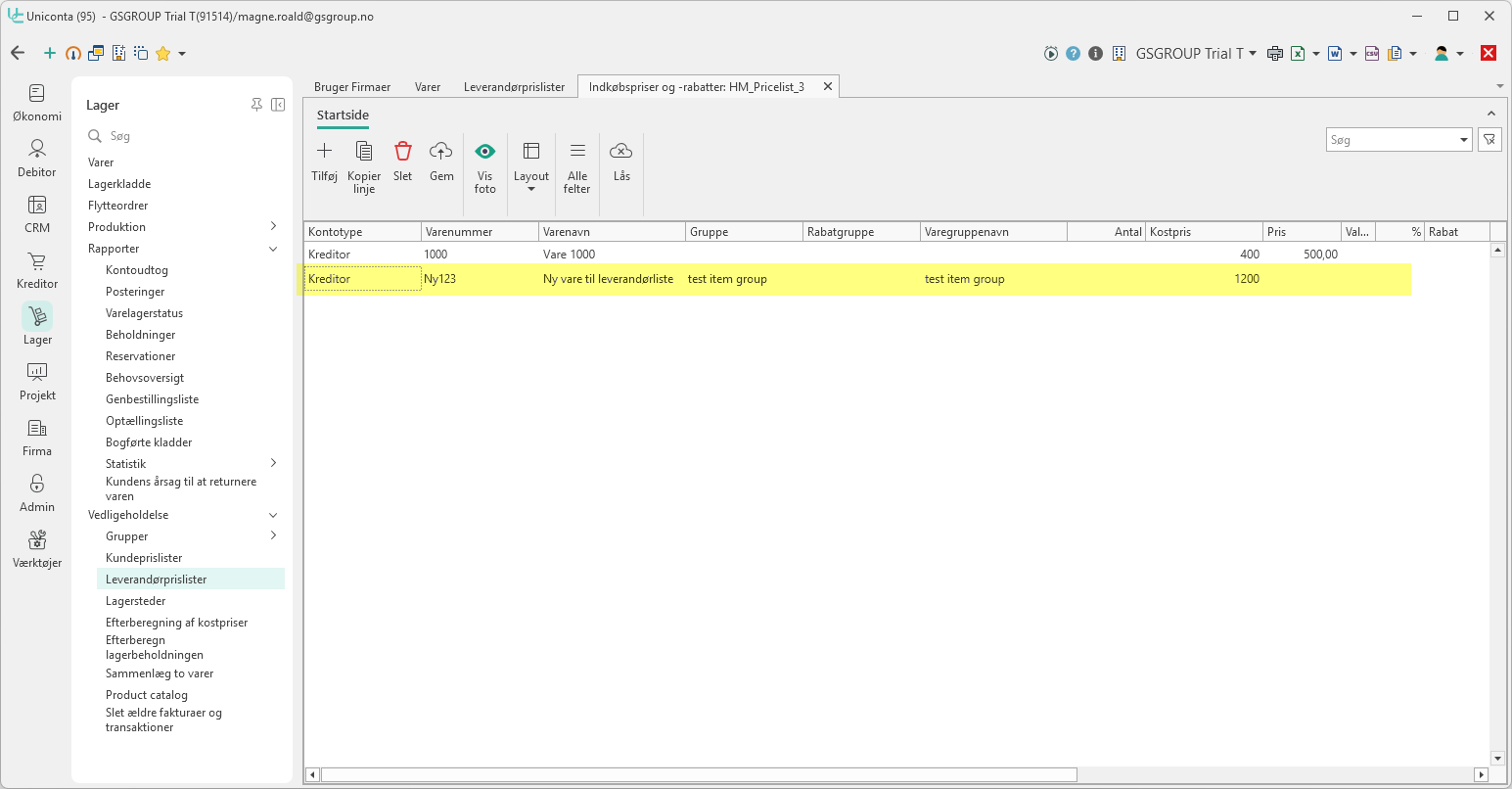
The item is now added to the list.
The cost price will be shown here but not the price. This does not matter since the sales price and cost price are retrieved from the item when it is transferred to Handyman.
Item number, Price, and Cost price are retrieved from the item. The EAN number is retrieved from the supplier price list if it exists there; otherwise, it is retrieved from the item.
Save the change by pressing the save button.
Transfer to Handyman
The price list will be transferred to Handyman the next night, or by someone with the appropriate rights manually activating the transfer from Handyman’s integration system.