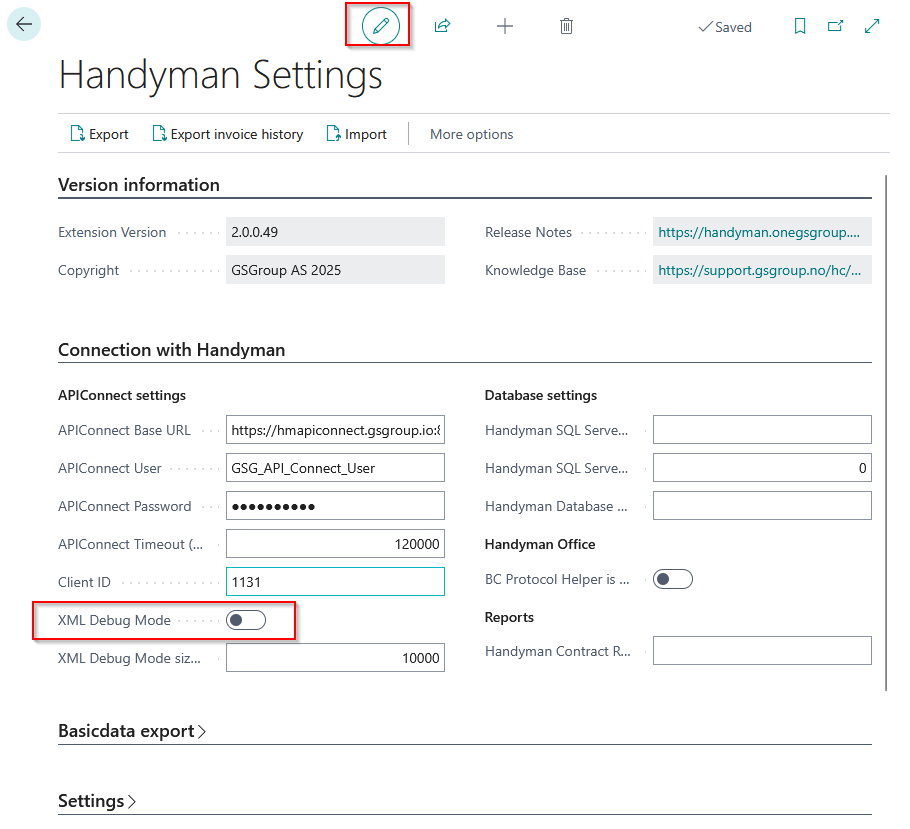
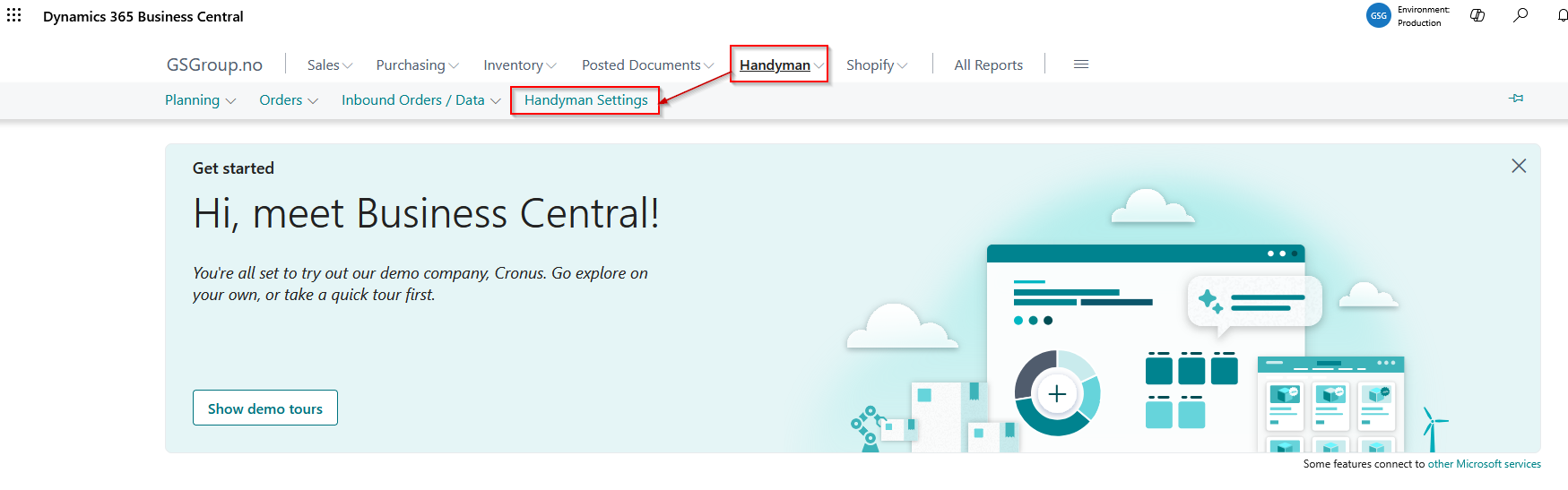
With XML Debug Mode enabled in BC, we can view the contents of XML files exported from BC to Handyman. Follow the instructions below to do this:
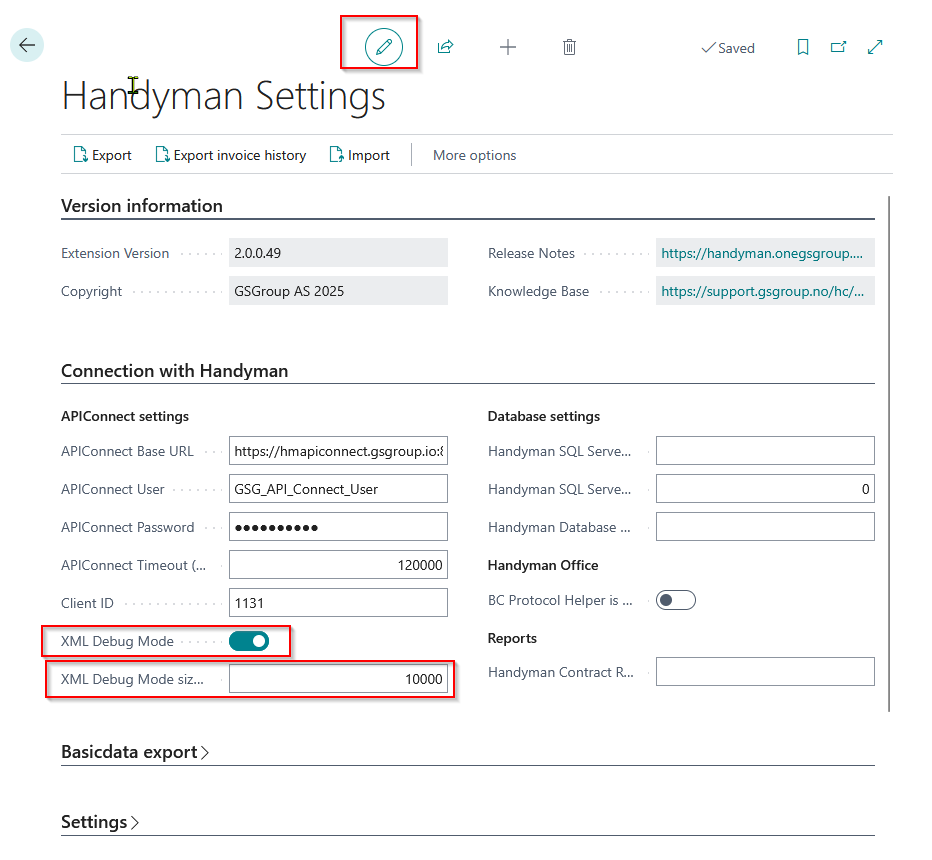
Turn on the 'XML Debug Mode' toggle and set the size of the XML Debug Mode to 10000, for example:
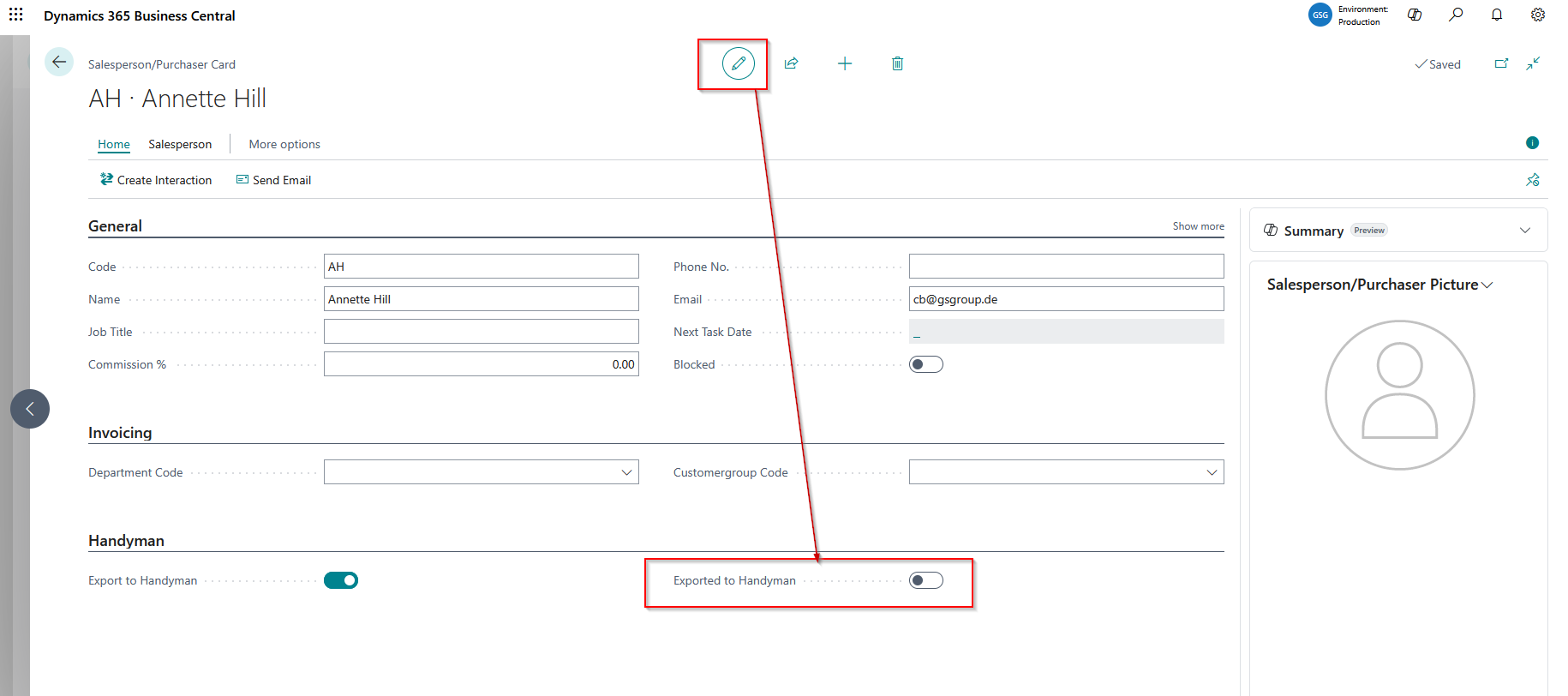
Afterwards, switch off the 'Exported to Handyman' toggle so that the resource you can export again. Then, make sure that the 'Export to Handyman' toggle switch is switched on:
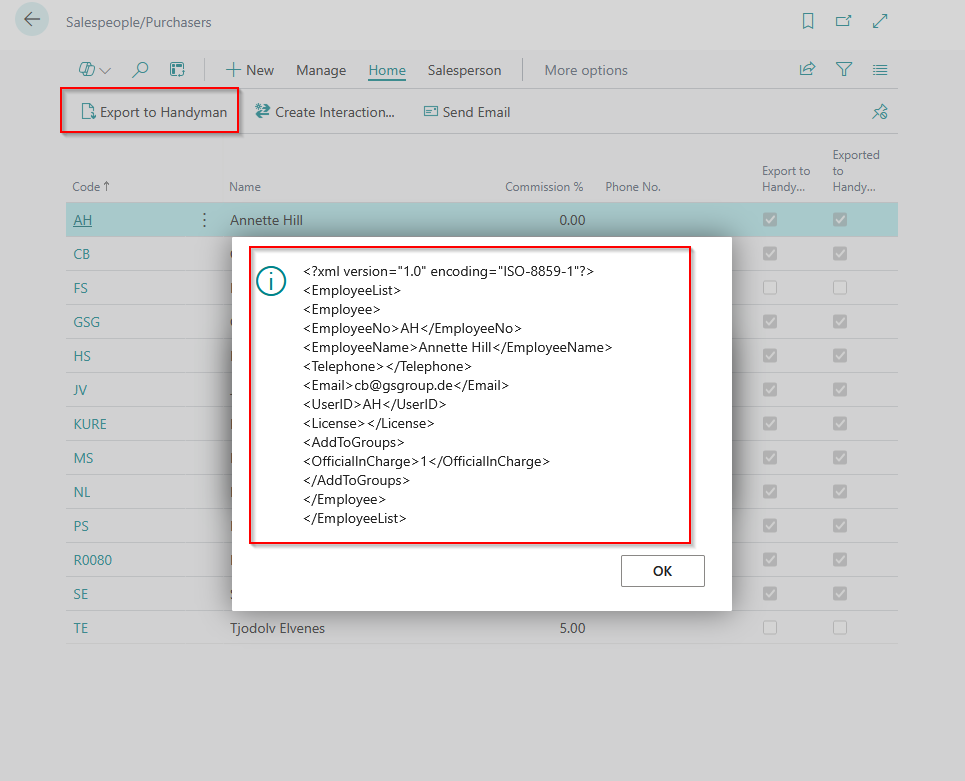
Clicking the 'Export to Handyman' button will open a pop-up window showing the content of the XML file being exported:
Remember to turn off XML Debug Mode at the end: